



GPU Workstation Replacement with DaaS: Practical Guide

GPU Workstation Replacement with DaaS: Practical Guide
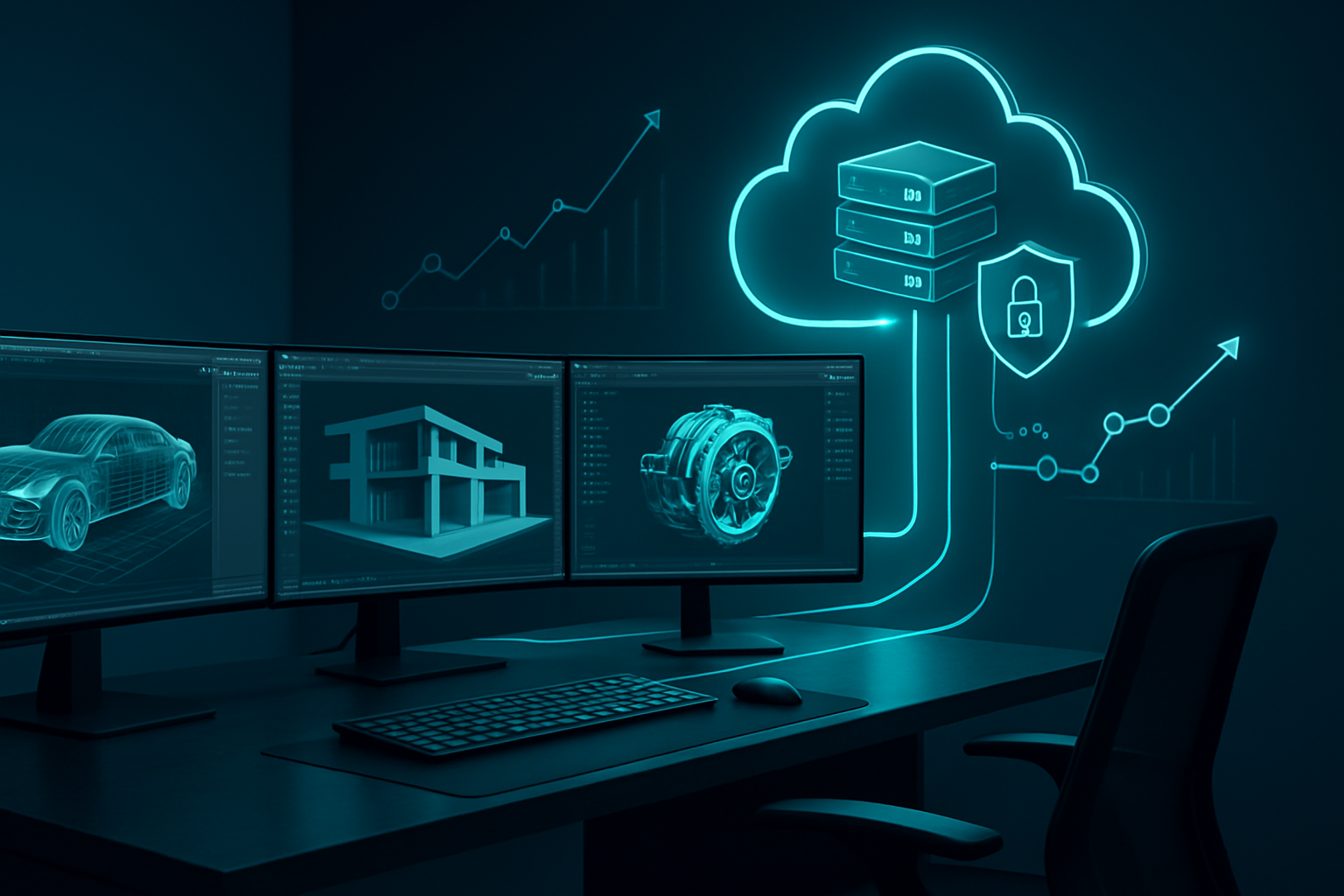
A design lead needs 20 RTX-class machines for a global team next month. Procurement is slow, supply chain is tight, and remote artists cannot ship assets across borders. This is exactly where GPU workstation replacement with DaaS pays off. Desktop as a Service delivers virtual GPU power wherever your people are, scales on demand, and keeps sensitive files in the data center. We have moved engineering, media, and AI teams to cloud computing models that meet or beat their on-prem benchmarks, with fewer hardware bottlenecks and cleaner security policies. The market shift is real. Over 50 percent of companies are deploying generative and predictive AI, driving elastic GPU demand .
What DaaS changes, and how to choose it well
Short answer. Yes, many organizations can replace physical GPU workstations with DaaS. The caveats are predictable. Network latency, data locality, licensing, and workload profile. The upside is significant. Faster provisioning, flexible capacity, stronger control surfaces, and improved total cost of ownership for most steady mixed-use fleets. As Sridhar Mullapudi noted, DaaS lets teams scale GPU resources without hardware overhead .
How Desktop as a Service delivers GPU power
Modern DaaS platforms pair virtual desktops with virtual GPU profiles. NVIDIA vGPU, AMD MxGPU, or cloud-native GPU instances map to user pools so you can rightsize per role. Artists get RTX vWS profiles, data scientists receive A10 or A100 class instances, interns get CPU-only. Pool-based GPU virtualization improves utilization, while autoscaling handles bursts. You gain centralized image management, policy-based updates, and consistent remote desktop solutions across regions.
Performance and latency realities for GPU workloads
Performance hinges on three things. Nearest-region placement, protocol choice, and storage throughput. We see excellent results under 40 ms round trip, acceptable editing up to 70 ms, and pain above that for interactive 3D. Use HDX, PCoIP Ultra, or NICE DCV for color-accurate, high-motion streams. Select vGPU profiles aligned to application vendor guidance. Pair with NVMe-backed storage or high-IOPS file services for scratch, then archive to object storage.
TCO and cost modeling that holds up
DaaS shifts capex to opex and trims idle waste. Organizations report up to 30 percent operational cost savings versus physical workstations . Practical model. A $5,000 GPU tower refreshed every 3 years often totals near $7,500 including support, energy, and facilities. Equivalent DaaS, at 80 hours monthly per user, usually lands lower, plus desktops provision in under 10 minutes . Watch for data egress, reserved-instance discounts, and license mobility to keep the total cost of ownership honest.
Security, compliance, and zero trust in the cloud
Data stays in the cloud infrastructure, not on laptops. Enforce zero-trust access with identity providers, device posture checks, and conditional policies. Enable encryption at rest and in transit, private endpoints, and just-in-time admin. DaaS vendors support audit logging, MFA, and RBAC aligned to SOC 2, ISO 27001, HIPAA, or GDPR needs. Kate Williams put it plainly, flexibility and security make DaaS necessary for many enterprises .
Where DaaS wins, and who offers it
Strong fits. Media and entertainment, architectural and product engineering, and AI applications needing high-performance computing. We see accelerated onboarding of contractors and smoother global collaboration. Leading enterprise solutions include Citrix with HDX plus vGPU, NVIDIA RTX Virtual Workstation in major clouds, Amazon WorkSpaces and AppStream with NICE DCV, and Microsoft Azure Virtual Desktop. Performance benchmarks keep improving, and integrated AI tooling is now standard in several stacks.
Migration playbook that avoids missteps
Start with a workload inventory, grouping apps by GPU intensity and latency sensitivity. Pilot 10 to 20 users across regions. Optimize profiles, streaming protocols, and storage early. Train power users. Then scale. Steps. 1) Assess GPU usage and data gravity. 2) Compare providers by cost and region reach. 3) Plan image management, identity, and licensing. 4) Migrate projects, validate with real scenes or models, not synthetic tests.
Practical limits and ways to handle them
GPU workstation replacement with DaaS is not universal. Ultra low latency motion-capture sessions, air gapped facilities, or unusual USB peripheral chains may favor on-prem. Near-term workarounds include cloud-adjacent workstations in colocation, hybrid pools for specific studios, or protocol tuning with WAN QoS and SD-WAN. Keep an eye on software licensing. Some graphics and EDA tools still tie to MACs or dongles. Most vendors now support network or cloud licenses, but there are exceptions.
Decision framework for your environment
Ask three questions. Where does the data live today. What is your acceptable round trip latency. What level of burst capacity do you need quarterly. If data sits in the cloud and latency sits under 50 ms, DaaS is usually a win. If not, consider a hybrid GPU pool and revisit as circuits and regions expand.
From replacement to productivity lift
Teams do not just swap hardware. They change how they work. GPU workstation replacement with DaaS speeds onboarding, reduces rework through centralized images, and keeps projects moving when a machine fails. We have seen render queues shrink overnight by bursting to cloud GPUs, while daytime interactive sessions run on smaller profiles. For organizations looking to move, start with a measured pilot, tune the streaming protocol, and model costs with realistic usage. If you need help, specialists can pressure test your assumptions against performance benchmarks, compliance, and budget. That collaboration consistently turns flexibility into durable innovation.
Frequently Asked Questions
Q: Can DaaS fully replace a physical GPU workstation?
Yes, for most interactive and rendering workloads. DaaS with virtual GPU profiles meets performance needs when latency stays under 50 to 70 ms. Place desktops in the nearest region, use HDX, PCoIP Ultra, or NICE DCV, and align vGPU sizes to app vendor guidance for stable frame rates and smooth input.
Q: How does DaaS cost compare to owning workstations?
DaaS often lowers total cost of ownership. You avoid capex, reduce idle capacity, and scale down after peaks. Expect up to 30 percent operational savings in well-managed environments. Include data egress, reserved-instance pricing, and license mobility in your model, and target under 10 minute provisioning to reduce admin overhead.
Q: What security measures protect data in GPU DaaS?
Data remains in the cloud, not on endpoints. Enforce zero-trust access, MFA, and conditional policies, and require encryption in transit and at rest. Use private endpoints, role based access, and detailed audit logging. Map controls to SOC 2 or ISO 27001, and restrict clipboard, USB, and print redirection per policy.
Q: Which industries benefit most from GPU workstation replacement with DaaS?
Media, engineering, and AI teams benefit the most. Global artists get consistent color, CAD users gain reliable assemblies performance, and data scientists scale training jobs. DaaS accelerates contractor onboarding and avoids hardware supply delays, while hybrid pools cover edge cases like motion capture or lab environments that need ultra low latency.