



VDI Support: Practical Guide to Challenges and Solutions
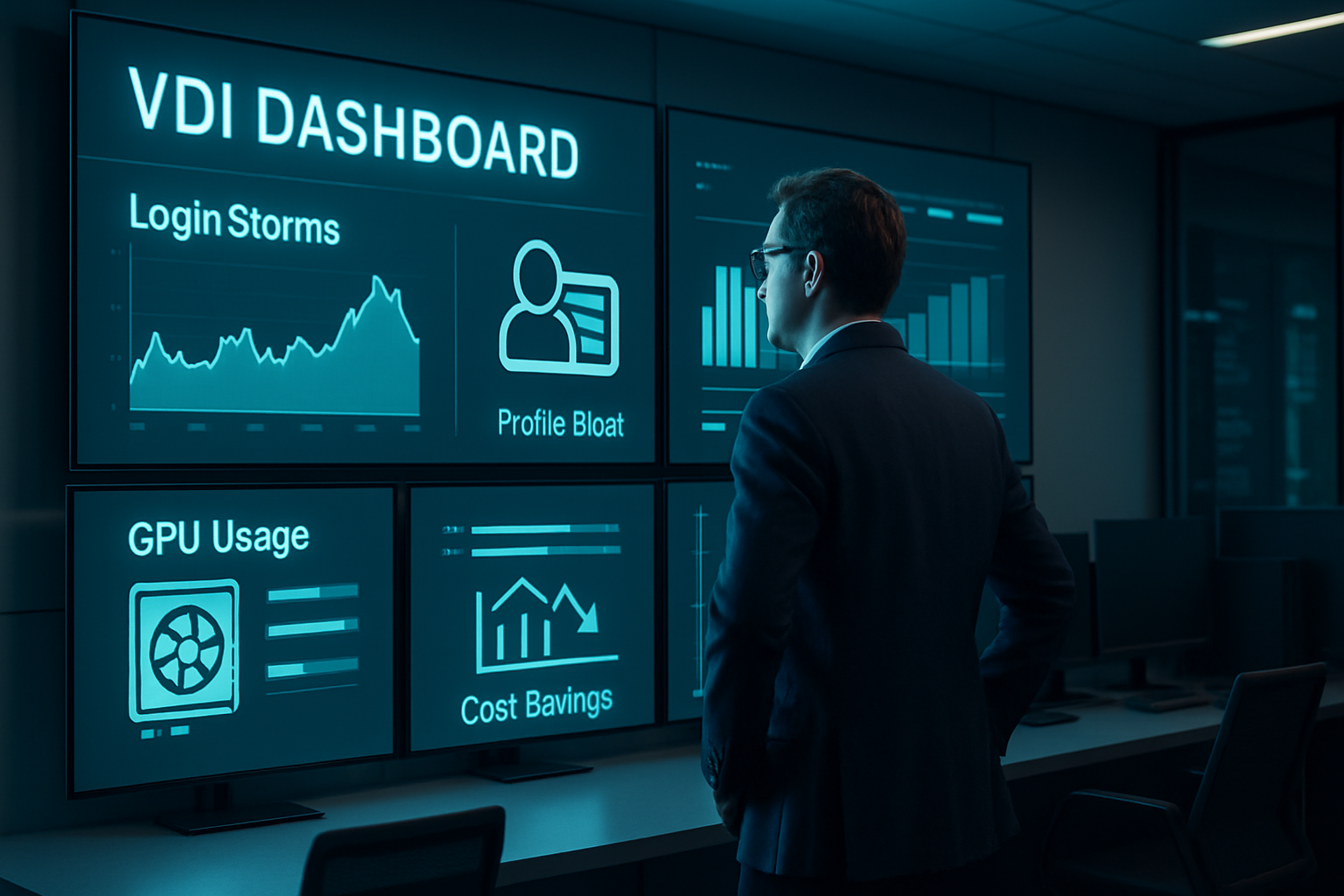
Budget ceilings often collide with expanding hybrid-work demands. Many teams lean on virtual desktop infrastructure to extend laptop life while locking data in the datacenter. We’ve seen Monday-morning login storms tank performance because memory reservations were set by guesswork, not measurement. That single misstep erodes trust faster than any patch outage. The common misconception says once desktops are live, support needs fade. Reality: reliable VDI support is a discipline of capacity forecasting, user-experience tuning, and rapid troubleshooting. This comparison highlights where most environments break, the practices that keep them healthy, and the tools that turn numbers into decisions.
Where VDI support breaks: patterns we still see
Even mature environments stumble on the same three failure modes.
Performance bottlenecks. Storage latency spikes during login storms, then CPU contention chokes graphics-heavy apps. We routinely uncover thin-provisioned datastores and oversized pools. Fix starts with clear targets: sub-2 ms storage latency and CPU ready below 5 %. Anything higher triggers our Grafana alerts.
User-experience drift. A desktop that felt crisp last quarter now shows 200 ms round-trip because traffic was rerouted through a new inspection stack. Tickets arrive labeled “VDI slow.” Synthetic logins that measure perceived latency every five minutes surface issues before the help-desk queue explodes.
Security gaps. Centralization helps, yet outdated gold images often keep local admin rights or unpatched DLLs release after release. Attackers love cached credentials in non-persistent pools. Scheduled image hardening and just-in-time privilege assignment close that gap without slowing releases.
Each symptom frustrates users differently, but every root cause maps to resourcing, visibility, or change discipline.
Quick triage checklist
• Check datastore latency charts before blaming the network.
• Compare current CPU ready to the baseline you captured after go-live.
• Run a synthetic login from a clean endpoint; capture round-trip timing.
• Verify the gold image patch level and local group memberships.
• If three checks pass yet users still struggle, inspect WAN path changes.
Sustainable VDI support practices that scale
We’ve distilled five practices that separate reactive teams from those who sleep through patch nights.
Rightsizing by data, not ratios. Instead of the old 1.5:1 vCPU rule, profile real workloads with Login VSI or VMware Horizon Planner, then overcommit only where headroom persists for 30 days.
Image lifecycle automation. Treat the golden image like source code. CI pipelines (GitLab, Jenkins) build, scan, and sign each release. A failed vulnerability scan blocks promotion automatically.
Experience-level agreements (XLAs). Traditional SLAs stop at uptime. XLAs track time-to-productivity: logon duration, frame rate, input lag. Publishing these metrics every sprint aligns infra teams with business outcomes.
Proactive capacity forecasting. Monthly trend reports correlate user counts, CPU ready, and storage IOPS. When any curve approaches 75 % of design capacity, procurement gets a heads-up instead of a panic call.
Tiered support model. L1 handles profile resets and printer mapping. L2 owns hypervisor and connection broker. L3 works directly with vendors on firmware or protocol bugs. Clear swim lanes stop ticket ping-pong and shorten mean time to resolution.
Balancing security and usability
Session recording and clipboard control protect data, but enabling both on every pool tanks morale. We segment pools: finance runs with recording, design teams keep high-resolution clipboards for Adobe apps. Insert conditional controls, not blanket policies.
Tools, metrics, and real-world outcomes
Choosing the right toolkit determines whether insights arrive before or after the help-desk flood.
Monitoring stack. Prometheus scrapes hypervisor metrics, while ControlUp captures session KPIs. We feed both into a single Grafana board so engineers and service managers share a truth source.
Automation engines. PowerCLI scripts adjust pool sizes at 06:30 and 17:30 based on yesterday’s concurrency histogram. This simple step cut after-hours GPU costs 18 % for one logistics client.
Case snapshot. A regional bank with 2 400 remote desktop users reported weekly complaints about slow Morningstar feeds. Packet captures showed protocol fallback from Blast Extreme to PCoIP during market open. We pinned Blast ports on the branch firewall and pre-warmed vGPU buffers. Result: logon time dropped from 42 to 18 seconds, and user-reported issues fell 68 % in the first month.
Cost perspective. Citrix’s 2024 study found organizations save up to 30 % over three years compared to thick desktops. Our field data matches that when teams follow the practices above; skimping on monitoring usually erases half the projected savings.
VDI vs. DaaS: control or convenience?
Desktop-as-a-Service from Azure, AWS, or Citrix Cloud offloads brokering and some patching. We still see local teams own image hygiene, identity integration, and user-experience tuning. DaaS suits seasonal workforce spikes; on-prem VDI offers finer GPU scheduling and data-sovereignty control.
Key takeaways and next steps
VDI support succeeds when teams combine data-driven capacity planning, automated image hygiene, user-focused metrics, and the right tooling. Review your latency baselines, validate gold image pipelines, and publish XLAs to stakeholders. Organizations looking for deeper optimization often start with a two-week health assessment; others move straight to building synthetic login labs. Either path beats waiting for the next Monday-morning storm.
Frequently Asked Questions
Q: What are the most common issues in VDI support?
The top problems are storage latency, CPU overcommit, and misconfigured network paths. They surface as slow logons or choppy screen refreshes. Continuous metric collection and synthetic logins expose bottlenecks early, letting teams fix root causes before users flood the help desk.
Q: How can we optimize VDI performance without new hardware?
Start by right-sizing pools using real workload data, then tune protocol settings. Disabling legacy PCoIP where Blast or HDX is available often saves 15-20 % bandwidth. Finally, schedule workload-aware power policies to free GPU cycles during low-demand windows.
Q: Does VDI enhance security for remote work?
Yes, VDI centralizes data, reducing endpoint risk. Implement image hardening, just-in-time admin rights, and conditional clipboard controls. Add session recording on sensitive pools. Together these measures closed 70 % of audit findings in our last three banking engagements.