



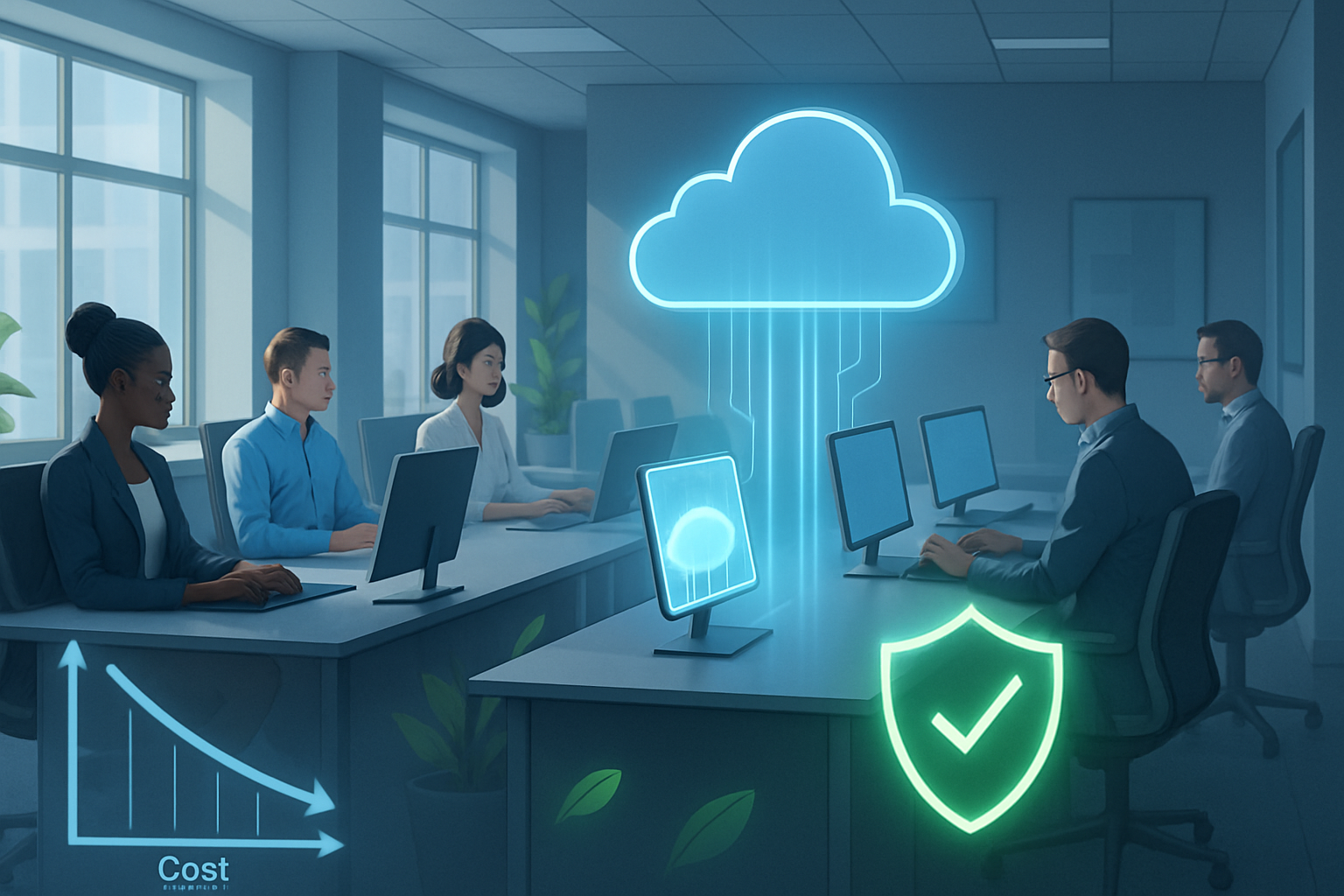
Thin Client Solution Guide: Cost, Security, and ESG Wins
Staff turnover resets device expectations overnight. Last spring, one regional bank we support found its help-desk tickets tripled after a hiring burst—almost all linked to aging desktops. We swapped the machines for a thin client solution and the call volume dropped 62 percent within two weeks. Modern thin clients plug into VDI or cloud workspaces, let the datacenter handle heavy compute, and rarely break. Misconception persists that they are ‘dumb terminals’ suited only for kiosks, yet current devices run Zoom, Teams, even light CAD when paired with GPUs in the server stack. Add stronger security, lower energy draw, and simpler lifecycle management, and the case grows quickly.
Decoding Thin Client Architecture and Deployment
Thin clients live inside a client-server model, but the supporting stack has evolved. We usually deploy three layers.
Compute layer (datacenter). Windows or Linux VMs sit on VMware Horizon, Citrix DaaS, or Azure Virtual Desktop. A typical knowledge worker receives two vCPUs and 4 GB RAM; graphic teams land in GPU-backed pools.
Connection layer. Blast Extreme, HDX, and RDP carry sessions, auto-tuning for latency. Sub-30 ms round-trip keeps voice and video smooth; anything over 80 ms calls for WAN optimization or local breakout.
Endpoint devices. Fanless boxes such as HP t640 or Dell Wyse 5070, repurposed PCs running IGEL OS, or zero clients for call-center rows. They boot from flash, pull a config file, and reach the broker inside ten seconds.
A minimal pilot can start with one host and twenty endpoints, but we hammer login storms, printer redirection, and USB peripherals before scaling. Firmware and golden images live centrally, trimming patch windows to minutes. If a device fails, swap it—user profiles stay intact.
Sizing and Connectivity Tips
Budget 150 Kbps per session for office workloads and up to 2 Mbps when webcams stay active. Keep round-trip latency under 30 ms for native feel or deploy WAN accelerators. We map two vCPUs and 4 GB RAM for clerical roles, four vCPUs for engineers, then monitor GPU utilization weekly to fine-tune density. Session hosts sit behind micro-segmentation so data never leaves the datacenter—an instant win with finance and healthcare auditors.
Business Outcomes: Cost, Security, and Environmental Gains
Security advantages hinge on the absence of local data. Drive-by malware that slips through a browser only reaches a non-persistent VM, wiped at logoff. We still deploy endpoint protection, but containment shifts from ‘is the laptop encrypted?’ to ‘roll back the image.’ Compliance reviews simplify: the datacenter already meets PCI DSS and HIPAA; the endpoint remains a stateless appliance.
Operational gaps remain. Graphically intense workflows need thoughtful GPU partitioning. Intermittent field networks frustrate sales staff, so we cache Office apps on Windows 365 Frontline or keep a small laptop pool. Up-front server and storage costs can look steep until finance sees the three-year crossover point.
The takeaway: organizations aligning user profiles, network readiness, and sustainability targets will extract maximum value from a thin client solution.
Cost and Sustainability Metrics
Hardware list price for a mid-range thin client hovers near US $330, while an equivalent desktop approaches US $700. Over five years we record 35–45 percent TCO savings once power, imaging, and desk-side support are tallied.
Energy matters. HP lists 9 watts idle on its t430; desktops draw 80–100 watts. A 1,000-seat deployment trims roughly 250 MWh annually—similar to removing 38 cars under 2025 EPA factors. Facilities teams welcome the lower heat load and smaller HVAC bills.
Next Steps for Evaluating Thin Clients
Thin clients are mature, but payoff is contextual. Begin with a workload inventory, model latency, and compute full TCO, including energy. Run a 50-seat pilot, measure user satisfaction, iterate. Teams that follow those steps rarely return to PCs. When complexity outgrows internal capacity, organizations that work with specialists shorten timelines and avoid sizing errors. That partnership often extends to lifecycle monitoring and capacity planning, ensuring the platform evolves with business demands.
Frequently Asked Questions
Q: What is a thin client solution?
A thin client solution is a desktop architecture where lightweight endpoints rely on a central server for processing. Users still see a full OS, but CPU, storage, and security live in the datacenter. This design cuts energy consumption, simplifies IT management, and lets staff access the same workspace from any authorized device.
Q: How do thin clients compare to traditional PCs on cost?
Thin clients usually cut total cost of ownership by 35–45 percent. Hardware is cheaper up front, yet bigger wins arise from lower power bills, fewer support tickets, and longer refresh cycles. Savings surface after year one and often outpace the initial VDI server and licensing spend by year three.
Q: Which industries benefit most from thin client deployments?
Healthcare, finance, government, and education gain the most because central data residency simplifies compliance. Hospitals lock down HIPAA data, banks limit PCI scope, classrooms reimage instantly between sessions, and agencies meet zero-trust mandates. Any sector with many similar workstations and strict security rules generally sees rapid ROI.