



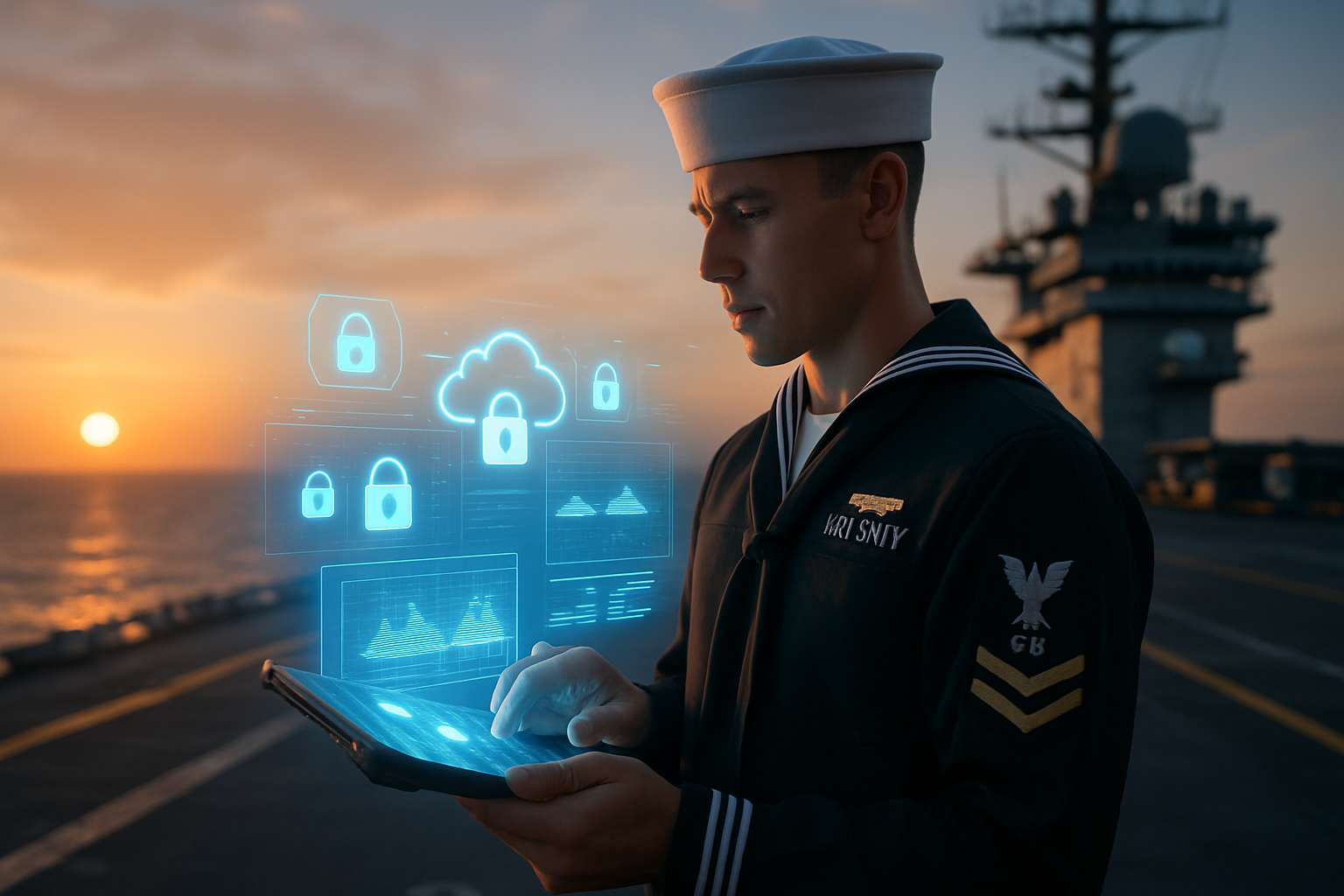
Navy Virtual Desktop: Secure Fleet-Ready Access Anywhere
Lt. Cara Mills, an intel officer drilling out of Wichita, still remembers sprinting through the airport to reach the single government-furnished laptop at her reserve center before a weekend mission brief. If someone else grabbed it first, she spent hours catching up back at her civilian job. Multiply that story by roughly 40,000 reservists and you have the business case that pushed Program Executive Office Digital to release the Navy Virtual Desktop (NVD). Built on Microsoft Azure Virtual Desktop and aligned with the broader Flank Speed cloud push, NVD turns any compatible device into a Navy-approved workstation. No special network drop, no NMCI seat, just a CAC or Microsoft Authenticator and a solid internet connection. The effort was never about shiny tech. It was about eliminating the bottleneck of physical machines and giving commanders the confidence that classified or controlled unclassified information stays locked behind a zero trust fabric. Mills now logs in from her personal Surface Pro before her plane boards. She is productive by wheels-up, and the command gets the brief on time.
What the Navy Virtual Desktop Actually Delivers
The first thing Sailors notice is familiarity. Once authenticated, the desktop looks like a standard NMCI build with Outlook, Teams, and the authoritative data portals they already use on base. The difference is that the session lives in Azure Government regions rather than a box under their desk. Sessions follow the user, not the hardware, so a disconnect at Starbucks can be re-established at home without data loss. We have seen analysts switch from a personal iPad to a Reserve Center thin client mid-call and pick up right where they left off.
From a policy standpoint, NVD removed a long-standing access hurdle. Reservists previously needed Defense Enterprise Office Solutions accounts plus an active NMCI seat to process administrative actions. Now they execute those tasks from home, cutting travel cost and, more importantly, cycle time for awards, evaluations, and mobilization orders.
Secure workspace anyplace
Zero trust segmentation enforces identity, device, and workload validation at every hop. Conditional access policies flag jail-broken phones, outdated Windows builds, or geolocation anomalies. Anything suspicious triggers multi-factor prompts or outright quarantine, limiting blast radius without user drama.
Under the Hood: Architecture and Safeguards
NVD rides Microsoft’s cloud fabric, but the Navy wrapped it with its own guardrails. Each virtual machine image is hardened to STIG standards, patched weekly, and rebuilt quarterly. Protective DNS, Insider Threat analytics, and host-based security are baked into the golden image. Traffic routes through Navy-managed Azure Virtual Gateways, not public internet gateways, before it hits authoritative data stores.
The zero trust stance came directly from lessons learned during SolarWinds and the 2024 Ivanti VPN disclosures. Rather than fortify the perimeter, we treat every connection—even one originating inside the Pentagon—as untrusted until proven otherwise. The approach aligns with DoD CIO memo 18-001 and feeds directly into continuous authorization dashboards that flag both compliance drift and unpatched vulnerabilities. Fleet commanders gain a live picture of cyber health without waiting for quarterly compliance reports.
Hardware independence presents its own challenges. BYOCD sounds simple until you map personal device variance. Our pilot team built a compatibility matrix through iterative sprints: Windows 11, macOS 14, iOS 18, Chromebooks with LTS kernels, and a tightly scoped Android set. Anything outside those bands receives sandbox-only access, preventing accidental data leakage caused by outdated encryption libraries.
Operational Impact: More Flight Hours, Fewer Idle Seats
Adoption statistics tell one story, but unit-level ripple effects are more revealing. Reserve Strike Fighter Squadron VFA-204 shut down its eight-seat computer lab last November, freeing a small room now used for avionics part staging. That single move saved roughly thirty thousand dollars a year in hardware refresh and facility overhead. Across 123 reserve centers, similar consolidations are underway. Lt. j.g. Christopher Gregory pegged the projected annual savings at several million dollars once legacy labs phase out in 2026.
Full-time support staff noticed productivity gains as well. Supply officers used to batch-process travel claims during drill weekends when reservists were physically present. NVD lets Sailors upload receipts nightly, smoothing workflow and catching errors while memories are fresh. The resulting audit readiness score jumped eight percentage points during the first quarter of fleet-wide rollout.
Active component commanders benefit too. When Hurricane Ian forced evacuation of Naval Air Station Jacksonville, squadrons maintained access to readiness dashboards through NVD despite local network outages. That continuity convinced skeptical operators that the cloud could be a resilience play, not just a cost exercise.
Charting the Next Course
NVD has moved from pilot curiosity to mission-critical status in two short years, yet work remains. GPU-accelerated images for advanced modelling, native mobile touch gestures, and cross-domain sharing with allied networks sit on the backlog. Sustainment funding, not technology, is the pacing item. Programs that treat virtual desktops as a living service rather than a one-time procurement will reap the most benefit. Organizations considering similar moves should budget for continuous image hardening, user analytics, and device management expertise.
Frequently Asked Questions
Q: Does the Navy Virtual Desktop replace every government workstation?
No. NVD augments existing NMCI and One-Net seats, prioritizing roles that need flexible access or operate outside secure facilities. Classified processing above controlled unclassified information levels still requires dedicated SIPR or JWICS endpoints.
Q: How is performance over low-bandwidth connections?
The Azure Virtual Desktop protocol dynamically adjusts frame rate and compression. In field tests, users remained functional at 1.5 Mbps, though graphics-heavy apps slow noticeably. Units supporting shipboard connections often pre-stage large data sets overnight to offset link latency.
Q: What happens if a personal device is lost or stolen?
Because data never resides locally, the immediate risk is credential exposure. Fleet Cyber Command can invalidate the device certificate and purge cached tokens within minutes. Users must still report the loss so incident responders can review access logs for anomalies.
Q: Is NVD identical to Nautilus Virtual Desktop used by other services?
They share the Azure foundation and several security controls, but the Navy version integrates Flank Speed identity, NMCI policy objects, and Navy-specific application baselines. Cross-service reciprocity discussions are in progress, yet full convergence would require harmonizing accreditation artifacts.