



What Is Cloud VDI? A Field-Guide for Modern IT Teams
Product design labs, insurance adjusters, and university help desks all share a familiar request: open a full desktop from any device without giving up speed or security. Hardware refresh cycles rarely keep pace with that expectation, and on-prem VDI seldom scales without a forklift upgrade. Cloud virtual desktop infrastructure (cloud VDI) hosts the desktop experience in a public or private cloud so users log in through lightweight endpoint devices. We watched a CAD engineer render a 300-MB model from hotel Wi-Fi once the compute layer moved into Azure. Stories like that explain the renewed interest, yet the technology stack and business math still raise questions. The following breakdown looks at cloud VDI from an implementer’s perspective rather than a brochure’s.
Understanding Cloud VDI in Plain Terms
Definition and Basic Flow
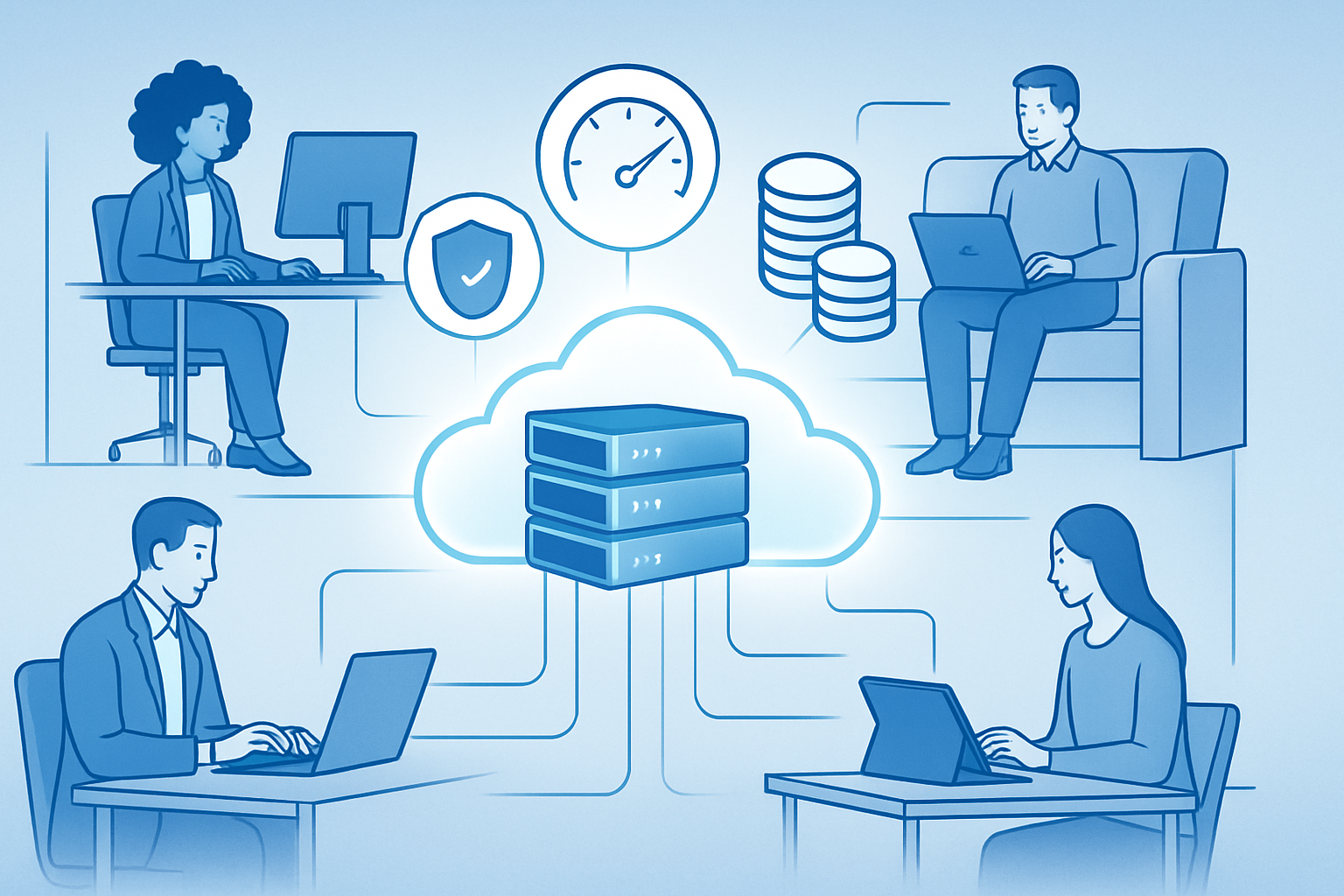
Cloud VDI delivers a full Windows or Linux desktop that actually runs on virtual machines inside a cloud provider’s data center. A user launches a thin client or HTML5 browser, the connection broker points them to an available VM, and the session’s pixels stream back while keystrokes stream in. Everything—OS image, apps, data—resides centrally.
Cloud vs. Traditional VDI
Traditional VDI positions the hypervisor cluster and storage array on company-owned hardware. Teams carry the capital expense, capacity planning, and patch management. Cloud VDI flips that model: compute, GPU pools, and load balancers live in services like Amazon WorkSpaces, Microsoft Azure Virtual Desktop, VMware Horizon Cloud, or Citrix DaaS. Administrators still define images and policies but pay per user or per hour rather than commit to a five-year depreciation schedule.
Key Building Blocks
• Hypervisor layer (often KVM or ESXi variants) allocated by the provider.
• Connection broker that authenticates users and assigns virtual desktops.
• Profile management: persistent desktop for developers who need stored settings, non-persistent desktop for task workers who simply require a fresh image every logon.
• Cloud storage tiers to hold user profiles and shared data.
• Networking elements (gateways, reverse proxies, Zero Trust tools) that publish the remote desktop securely to the internet.
Why Organizations Choose Cloud VDI Today
Elastic Scale and Predictable Spend
Traffic analysts at a retail chain spin up 600 temporary desktops each January for post-holiday reporting, then scale back to 150 licenses by March. Consumption pricing makes that viable. IDC numbers show firms clipping 30 percent off desktop TCO once idle resources are eliminated.
Security and Compliance Alignment
Putting data in the data center, not on the laptop, shrinks the breach surface. Centralized patching, MFA, and connection tracking live in one place. For HIPAA or PCI programs, audit evidence improves because logs never leave the provider’s SOC-2 facility.
Experience for Power Users
GPU-backed instances from NVIDIA A16 cards let architects compile Revit models or analysts run TensorFlow notebooks without desk-side towers. Latency under 50 ms feels local in most regions. That keeps specialized talent productive even when they are offsite.
Implementation Realities and the Road Ahead
Cost Modeling and Provider Comparison
Sticker price per user looks similar across Azure, AWS, and Google. The swing factor is data-egress fees and reserved-instance discounts. We suggest mapping a week of real-world workload traces into a pilot subscription, then exporting cost reports before signing term agreements.
Lessons from Recent Deployments
A regional hospital moved 2,000 clinicians to cloud VDI during an EHR upgrade. Printing was the only show-stopper; local USB drivers clashed with the redirected session. The workaround—universal print queues hosted in the cloud—added two days to the timeline. Build buffers for niche peripherals; the rest usually behaves.
AI-Assisted Management on the Horizon
Providers are rolling out AI engines that watch session telemetry and recommend right-sizing. In preview, we saw a 19 percent cost drop when the system auto-parked idle GPU desktops at 6 p.m. More important, the algorithm flagged a memory leak in a legacy claims app before users complained.
Putting It All Together
Cloud VDI gives IT leaders a lever: shift desktop delivery from capital project to adjustable service while tightening security control. Success hinges on honest workload measurement, image hygiene, and user-centric change management. Teams that pilot with real data, account for peripherals, and embrace automated scaling typically see the payback inside the first fiscal year. For organizations plotting a hybrid-work future, the question is less "Why cloud VDI?" and more "How fast can we migrate without disrupting business?"
Frequently Asked Questions
Q: How long does a typical cloud VDI rollout take?
Small proof-of-concepts spin up in a week. A full production cutover for 1,000 users usually lands between six and ten weeks, assuming directory integration, image hardening, and user training run in parallel.
Q: Does cloud VDI work over home broadband?
Yes. A 10 Mbps downstream line handles standard office tasks comfortably. For 3D modeling or video editing, aim for 25 Mbps and under-50 ms latency to the nearest cloud region.
Q: Can we keep some desktops on-prem and move others to the cloud?
Hybrid designs are common. Citrix, VMware, and Microsoft all support a unified control plane that brokers sessions across on-prem clusters and cloud pods based on policy or cost conditions.
Q: Is persistent storage mandatory for every user?
No. Many organizations reserve persistent desktops for developers or executives while task workers receive non-persistent pools backed by profile containers. That mix keeps storage costs predictable.
Q: What’s the main hidden cost teams overlook?
Data egress fees. Large file transfers out of the cloud stack—think nightly media exports—can dwarf license charges. Reviewing outbound traffic patterns early prevents billing surprises.