



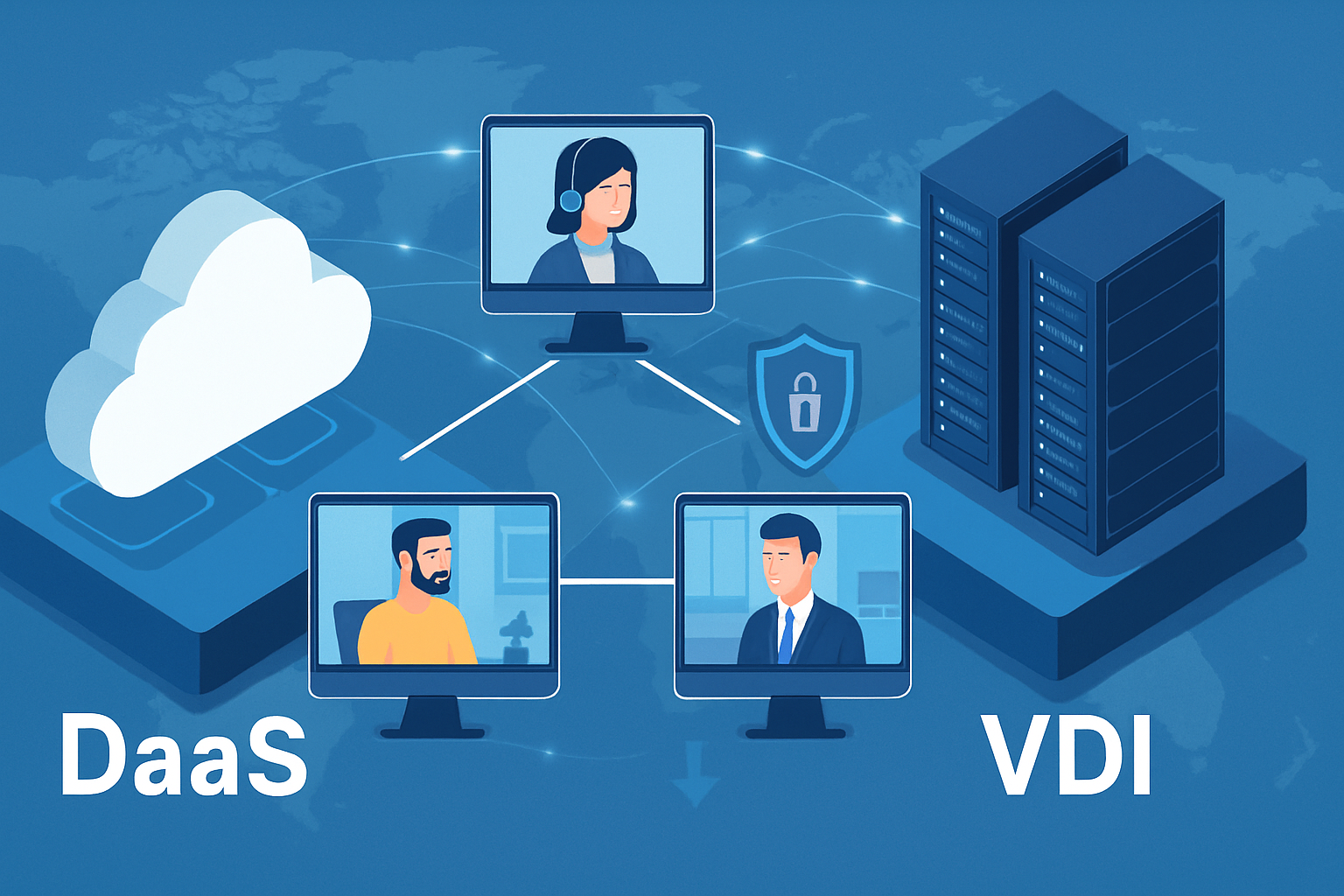
Cloud DaaS vs VDI: Strategic Choice for Remote Desktops
When we migrated a 300-seat product-engineering group from an aging on-prem virtual desktop infrastructure to a cloud desktop as a service footprint last spring, login latency dropped by half and six racks of servers went to the recycler. That kind of quick, visible impact explains why "cloud DaaS" shows up on nearly every 2025 IT roadmap we review. Staff want the same desktop from a hotel room that they have at headquarters. Finance wants hardware spending off the capital ledger. Security teams prefer losing a laptop that holds nothing but a thin client.
Those overlapping pressures shape the search intent behind most "what is cloud DaaS" queries. People aren’t just looking for a definition. They need to know whether swapping control for convenience, and CapEx for OpEx, is really worth it. The short answer: sometimes yes, sometimes not yet. The longer answer lives in the details below.
How Cloud DaaS Rewrites the Virtual Desktop Playbook
Desktop as a service sounds suspiciously similar to the VDI stacks many of us have tuned for years. The difference is where the control plane sits and who fixes things at three in the morning. In a pure DaaS model, a cloud provider runs the broker, hosts the virtual machines, patches the images, and often embeds analytics you never had time to build. You subscribe per user or per desktop hour and scale almost on impulse. That structural change matters more than the marketing language.
What actually changes when desktops live in the cloud
• Infrastructure ownership flips. Your team no longer babysits SAN firmware or GPU cards; the provider does.
• Burst capacity becomes practical. If a design group needs forty high-memory CAD stations for a month, you spin them up, then shut them down. Traditional VDI rarely affords that luxury without overbuying.
• Data management tightens. Because files remain in cloud storage, lost devices become a nuisance rather than a breach event, assuming proper MFA and conditional access are in place.
• User expectation rises. Employees compare their desktop performance to consumer streaming services. Latency over 120 ms starts the complaints rolling in.
Cost, scale, and performance head-to-head
A recent internal study across five client sites put blended DaaS cost (license plus compute plus storage) at 18 to 22 percent lower than their steady-state VDI run rate, largely due to power, cooling, and hardware avoidance. That advantage swings the other way if sessions run 24×7 and hosts stay pinned at maximum specs. For call centers with highly variable staffing, the pay-as-you-go model wins hands down. High-frequency trading desks that demand sub-20 ms round-trip from co-location facilities still favor tightly controlled VDI pods.
Choosing a Provider and Surviving Week One of Production
Once organizations decide the cloud route makes sense, the obvious question is whose platform carries the load. Feature lists look similar at first glance, yet operating nuances differ enough to burn a project if ignored.
Provider snapshots
• Microsoft Azure Virtual Desktop (AVD) pairs tightly with M365 licensing. Cost optimization hinges on reserved instances and Auto-Scale scripts that shut down idle hosts.
• Amazon WorkSpaces wins points for geographic breadth and predictable per-desktop pricing, though GPU-backed bundles still cost a premium.
• Citrix DaaS offers granular policy control familiar to long-time Citrix admins, but watch the layered billing (Citrix license plus hyperscaler compute).
• Niche players such as V2 Cloud and Shells.io cater to SMBs that want a bundled, managed experience without hyperscale complexity.
Field notes: avoiding common pitfalls
- Profile management trips up most first-time deployments. Roaming profiles that worked on VDI often misbehave under DaaS latency. AVD customers have had success with FSLogix containers sitting on premium blob storage.
- Monitor count surprises finance. Dual-4K setups can double GPU consumption. Flag power users early, or your cost model collapses.
- Endpoint strategy matters. Thin clients simplify support, yet many firms stick with BYOD laptops plus conditional access policies. Test peripheral pass-through (webcams, smartcards) before board-meeting day.
- Treat network as part of the desktop budget. A 50-Mbps site-to-site link that was fine for email chokes when 80 designers stream high-resolution desktops.
Where We See Cloud DaaS Headed Next
AI-assisted session optimization is already creeping into roadmaps, predicting when a user will need a GPU and allocating one just in time. Expect regulatory overlays too; the EU’s upcoming Cyber Resilience Act will push providers to surface sharper compliance evidence. For most organizations, the immediate frontier is policy integration. The winners will be teams that weld identity, device posture, and real-time risk scores directly into their DaaS broker, making remote access not only seamless but contextually smart.
If your desktop fleet is due for a refresh within eighteen months, run the numbers now. Organizations that evaluate workload patterns early tend to pivot with fewer surprises later. And, as always, keep a rollback plan: a small pilot pool on a separate image, just in case next quarter’s pricing update rewrites the math.
Frequently Asked Questions
Q: Does DaaS eliminate the need for on-site IT staff?
Not entirely. The provider handles hypervisor patching and capacity, yet you still manage images, applications, and user policy. Most firms repurpose staff toward higher-value tasks like automation or analytics instead of hardware upkeep.
Q: How much bandwidth does a typical DaaS session consume?
Office productivity users average 150-200 kbps, spiking to 1 Mbps during video. Graphic design workloads can demand 5 Mbps or more. We recommend a 20 percent overhead buffer plus QoS tagging to keep voice traffic happy.
Q: Can DaaS desktops run latency-sensitive applications?
Yes, within limits. Keep total round-trip latency under 90 ms for smooth VoIP and under 40 ms for 3-D modeling. That usually means selecting a region within 500 miles of users or deploying regional landing zones.
Q: Is data stored on the virtual machine or in separate cloud storage?
Best practice keeps user data in dedicated cloud storage such as Azure Files or Amazon EFS. The VM holds the OS and apps, which resets on rebuild, while data remains persistent, versioned, and easier to protect.
Q: How long does a mid-size rollout take from kickoff to production?
We see 8-12 weeks for a 500-desktop project: two weeks assessment, three weeks build and pilot, the remainder for phased migration and user training. Tight change-control environments may add extra approvals.